
Your completePDF companion.
PDFox lets you read, edit, sign and organize PDFs on Android — without ads, distractions or sending your files to a stranger's server. Built for everyone from students to seniors.
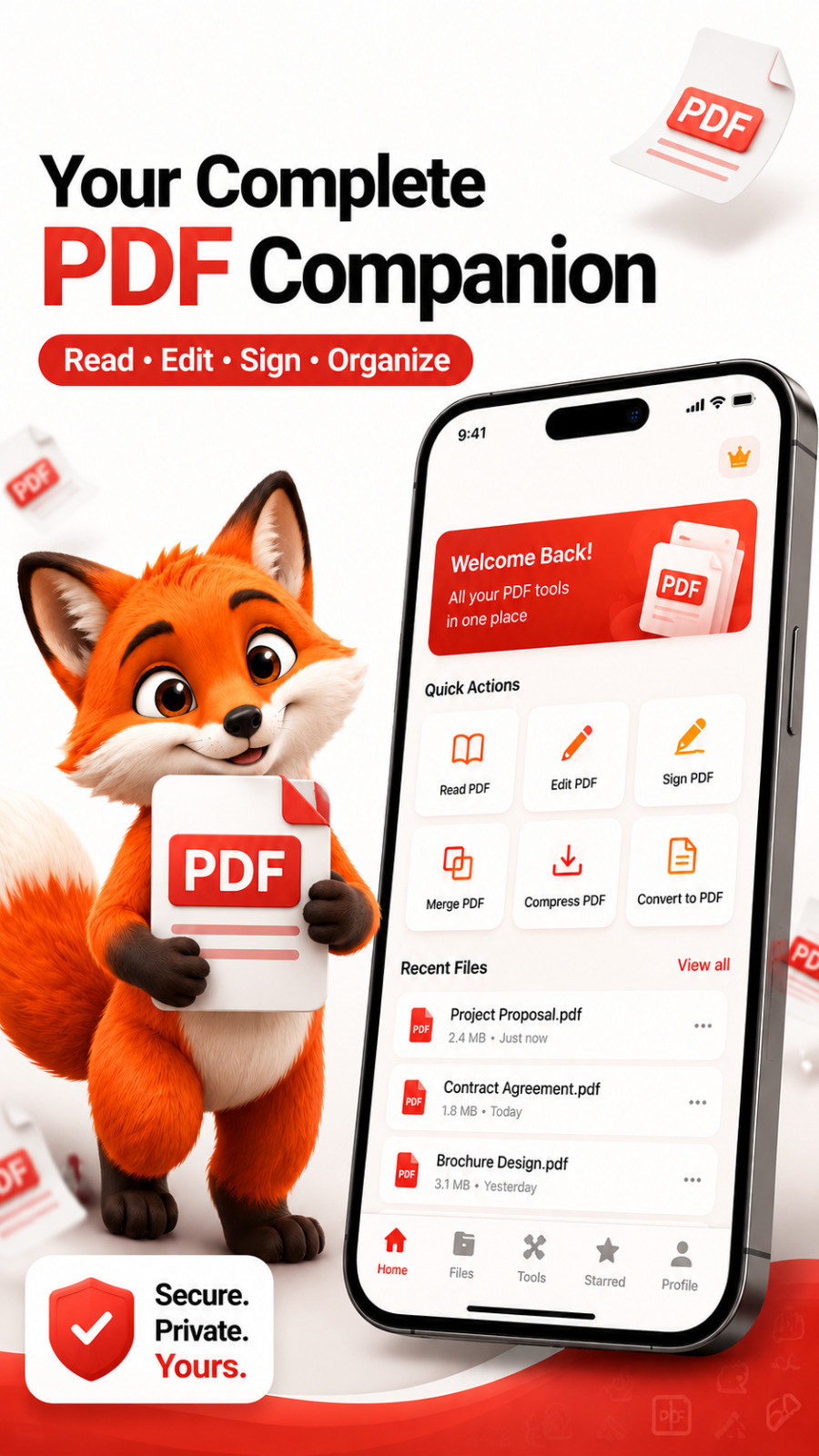
Every PDF tool you need, in one private app.
Read anywhere
Single page, double page or continuous scroll. Pinch-zoom, dark mode and adjustable font size built in.
Edit without limits
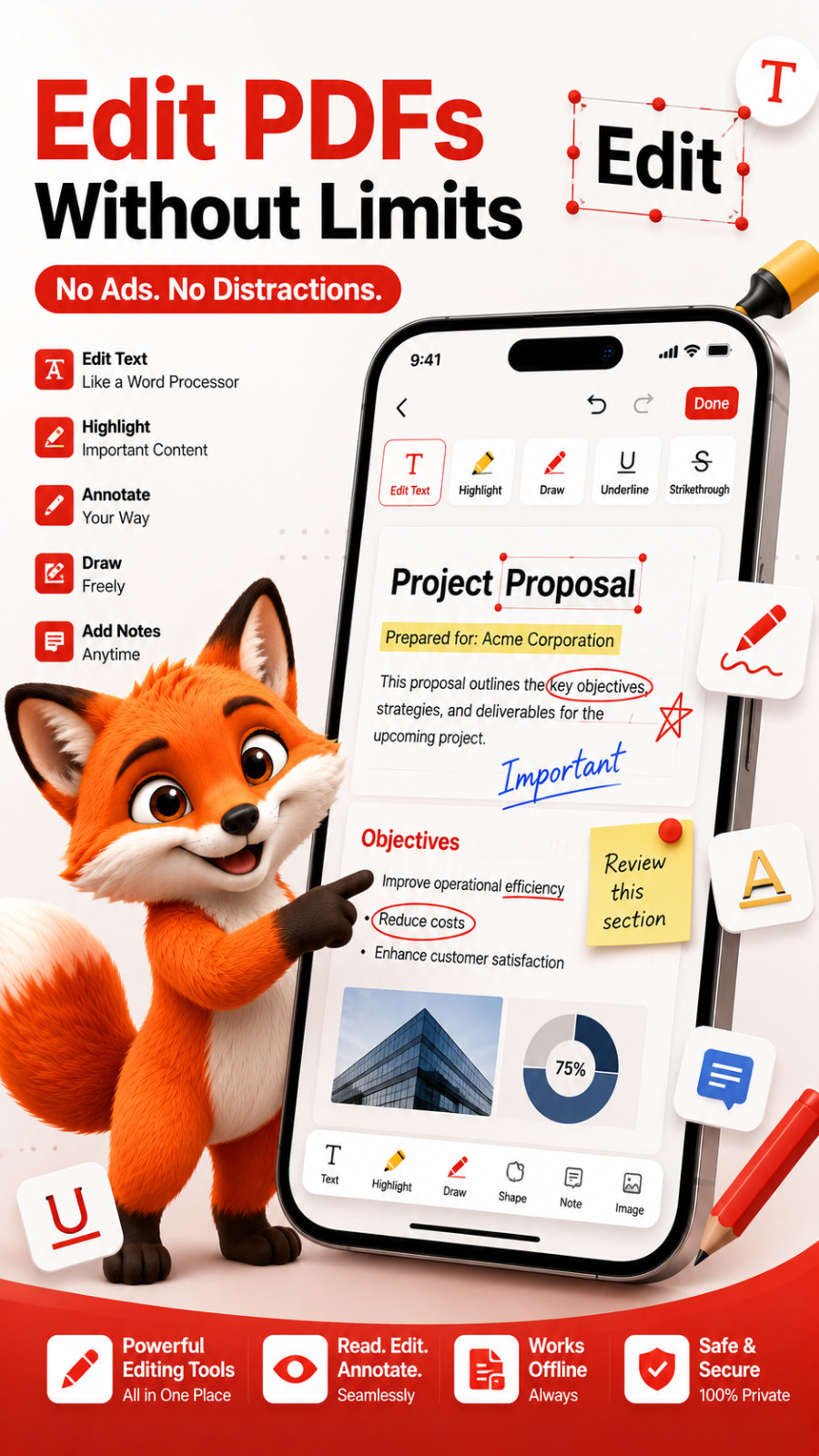
Edit existing text, add new text boxes, insert images and adjust pages — like a word processor for PDFs.
Annotate freely
Highlight, underline, draw, add sticky notes, shapes and stamps like APPROVED, DRAFT or CONFIDENTIAL.
Sign instantly
Draw, type or upload your signature. Save up to 3 signatures and reuse them on any document.
Merge & organize
Combine multiple PDFs, reorder pages by drag-and-drop, delete or insert blank pages in seconds.
Split & extract
Split a long PDF at any page or pull out just the pages you need into a brand new file.
Compress smartly
Reduce file size with Low, Medium or High quality presets — perfect for email and WhatsApp.
Scan to PDF
Capture documents with your camera, auto-crop the edges and save them as crisp searchable PDFs.
Password protect
Add AES-256 encryption, restrict printing or copying, and add watermarks to protect your work.
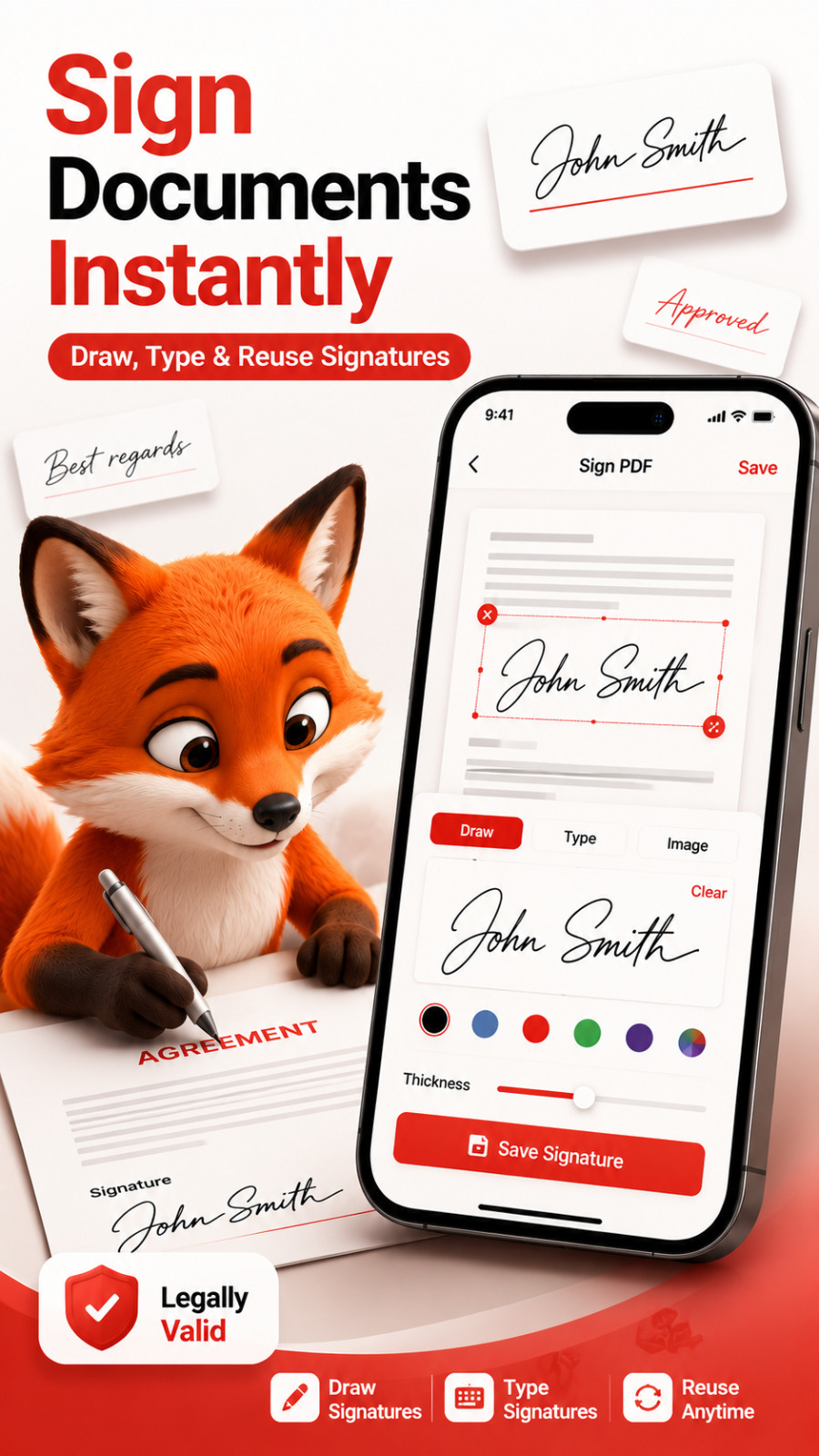
Draw, type or reuse your signature.
Sign contracts, forms and agreements right on your phone. Save up to 3 signatures, place them anywhere on the page and export a legally valid PDF in one tap.
A word processor inside your PDF.
Edit text directly, highlight key points, draw freely, add sticky notes and stamps. No ads, no distractions — just the tools you actually need.
Your documents never leave your device.
100% on-device
Every PDF you open, edit or sign is processed locally. Nothing is uploaded to our servers.
No tracking SDKs
No third-party advertising or analytics frameworks that profile you across apps.
You own your files
Your documents stay in your device storage or the cloud provider you choose via the share sheet.